Custom templates update
Users can now add additional consents to custom templates, meaning that they don’t need to be added to each episode created from the template.
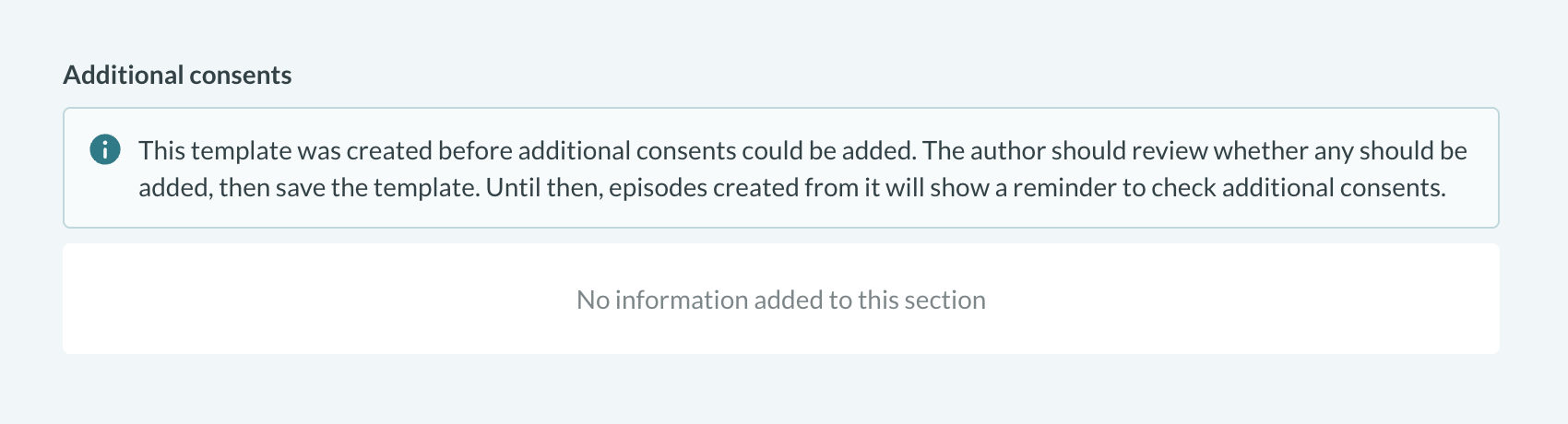
Templates created before this release show an info banner until their author reviews them for appropriate additional consents, and episodes created from templates not yet reviewed show a reminder. For example, here’s a banner within the custom templates section:
Less waiting on demographic checks
When you open a patient record in Concentric, we check your organisation’s demographics system for any updates to the patient’s details. Before this release we waited until the check had finished, then showed the record. For most organisations each check takes a fraction of a second: this change will make little difference to users at these organisations. Some hospital systems, however, take seconds to complete each check, which is the sort of repeated micro-frustration we could all do without.
The first time a patient is looked up in Concentric, we still need to wait for their details, as there’s nothing to show until then. However, when we’re just checking if the details have changed, the record opens straight away. The check runs in the background, with a progress indicator next to the patient’s name.

Tidier integration warnings
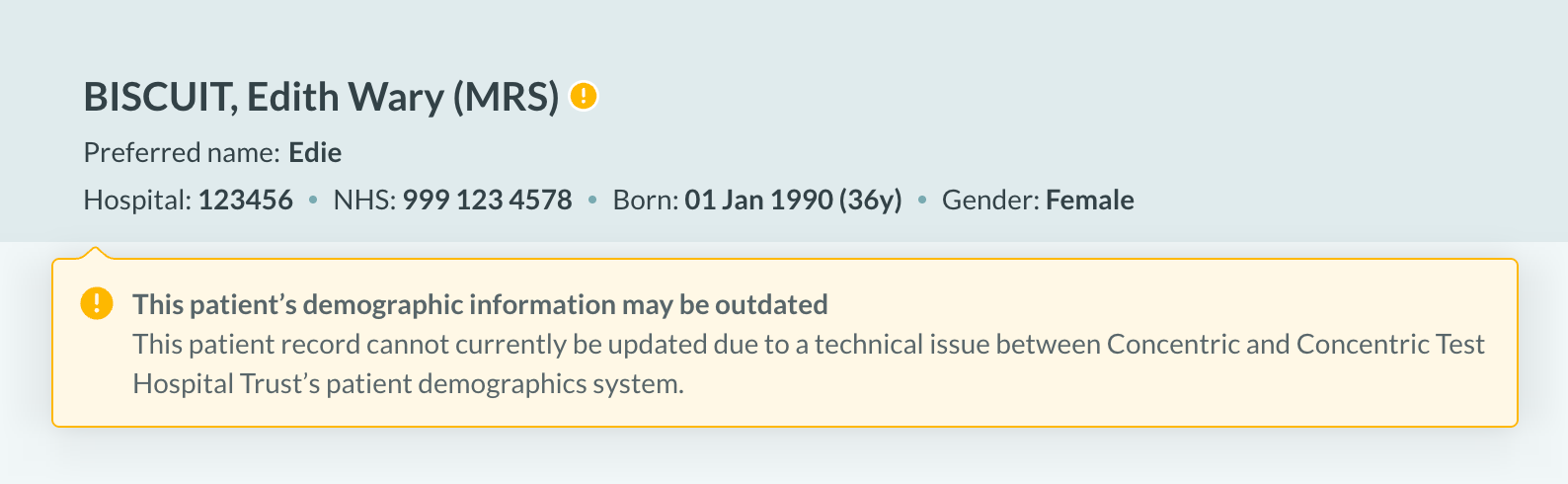
Where a check can’t be completed, for example because the demographics system is slow to respond or the connection is down, we’ve updated how we show that the patient’s details may be out of date. Rather than a full-width banner above the patient’s details, this now appears as a warning icon: hover over or tap the icon to see the warning text.
Support for Okta single sign-on
We introduced our first single sign-on option back in release 51. Okta, a widely used single sign-on identity service, becomes our latest supported SSO option, so more organisations can let clinicians log in to Concentric with the account they already use.